
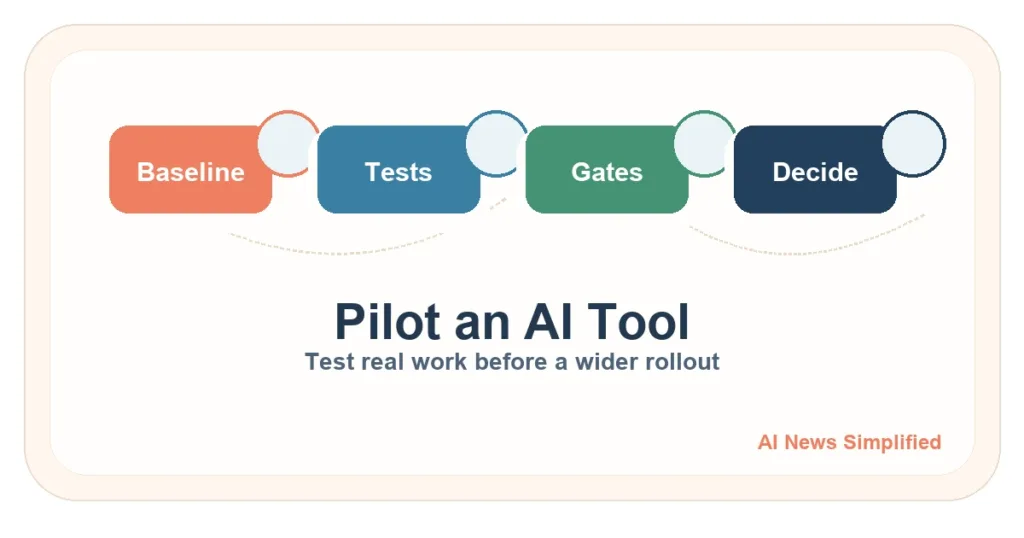
Quick answer: Run an AI pilot on one bounded task using representative normal, messy, and edge cases. Record the current human baseline, exact tool setup, accepted-output quality, rework, review time, cost, severe failures, and user impact. Set go, hold, and stop rules before seeing the results.
Checked July 17, 2026. This scorecard is an AI News Simplified framework informed by NIST evaluation guidance. It is not a NIST certification, universal weighting system, ROI calculator, or substitute for professional review.
Key takeaways
- Pilot one real task, not “AI for the whole business.”
- Compare with the current workflow, not a polished vendor demo.
- Use representative cases and run important cases more than once.
- Privacy, security, permissions, and severe errors are gates; a good average cannot cancel them.
- Decide limited rollout, another pilot, or stop—and define rollback before launch.
1. Pick one bounded task
Choose a task with a clear input, output, owner, and review path. Good pilots might draft a standard internal summary, classify non-sensitive requests, or prepare answers from an approved knowledge base. List exclusions such as payments, legal promises, employee decisions, health advice, account changes, and sensitive data.
2. Record the current baseline
- How often is the work accepted without correction?
- How much rework or escalation is normal?
- How long does a competent person spend?
- What does the current workflow cost?
- What errors matter most to customers, staff, or the business?
A pilot cannot show improvement if the team never measures the starting point.
3. Build a representative test set
- Normal cases: common work the system should handle.
- Messy cases: typos, missing fields, unclear wording, unusual formats, or conflicting sources.
- Edge cases: rare but important conditions and exceptions.
- Stop cases: inputs the system must refuse, escalate, or leave for a person.
Use real patterns with sensitive details removed or safely controlled. Keep a held-out set that was not used while tuning prompts or examples.
4. Freeze and record the setup
Record the product, model or version when visible, date, plan, prompt, examples, settings, data access, connectors, tools, human role, and retry policy. If the setup changes, label the next run as a new test. Otherwise, the comparison becomes hard to interpret.
5. Use a practical scorecard
| Measure | Record | Decision use |
|---|---|---|
| Accepted-output quality | Accepted, corrected, or rejected using a written rubric | Does it meet the task’s actual standard? |
| Consistency | Repeat important cases and compare | Is a good result repeatable? |
| Rework and escalation | Corrections and handoffs per accepted result | Does hidden cleanup erase the benefit? |
| Human review time | Time spent by a qualified reviewer | Is review realistic and effective? |
| Cost per accepted result | Tool, setup, review, correction, and support cost | Is the workflow sustainable without assumed savings? |
| User impact | Complaints, confusion, accessibility issues, or delays | Who benefits or is burdened? |
| Severe failures | Privacy, security, permission, safety, rights, or irreversible errors | Any triggered stop condition blocks rollout |
6. Set go, hold, and stop rules first
- Go: the tool meets the written quality threshold, triggers no hard gate, and has a workable review and rollback process. Start with a limited rollout.
- Hold: results are promising but the evidence is too small, inconsistent, expensive, or incomplete. Change one thing and test again.
- Stop: a severe gate fails, the use is not allowed, required evidence is missing, or the tool performs worse than the current workflow on what matters.
Do not lower the threshold after seeing a disappointing result without documenting why. That turns a test into a justification exercise.
7. Plan monitoring and rollback
Name the owner, review frequency, drift indicators, complaint route, incident process, and fallback workflow. Re-run representative tests after a meaningful model, prompt, connector, data, policy, or workflow change.
Limitations
A small pilot can miss rare, long-term, or adversarial failures. Results apply to the tested task and setup, not every use of the product. The scorecard does not replace privacy, security, accessibility, legal, or sector review. It also cannot prove future savings or performance.
Related guides
Use the pilot after the AI Vendor Due Diligence Checklist. Compare tools without hype using the assistant comparison, How to Spot AI Hype, support-bot checks, and AI for Small Business.