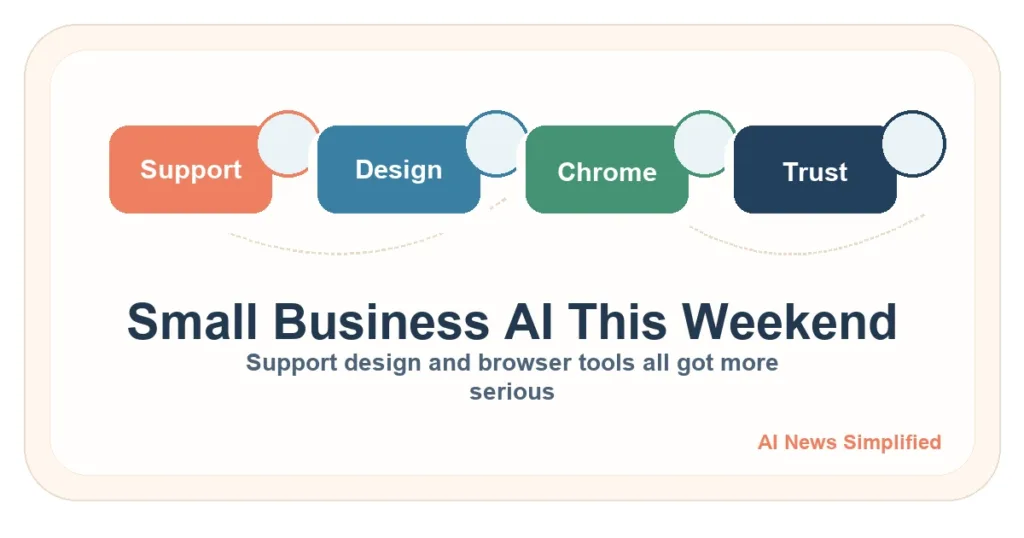
This weekend’s small business AI news was practical in the best way. The useful theme was not giant new intelligence. It was AI sliding into customer support, design drafts, and browser-based work that small teams actually deal with every week.
What changed
Meta brought Business AI into WhatsApp for small businesses in India, Anthropic launched Claude Design for prototypes and visual work, and Google explained how it is adding security around AI agents in Chrome Enterprise. These are all signs that AI is moving closer to routine business tasks instead of sitting off to the side as a novelty.
What this means for small businesses now
- If your business already runs on chat messages, AI support inside a familiar app may be easier to test than a full help-desk overhaul.
- If you spend hours making draft decks, rough mockups, or early proposals, design-focused AI tools are worth a small pilot.
- If a tool wants to act inside your browser, ask what permissions it gets and how it is limited before trusting it.
What it could mean later
The bigger pattern is that small-business AI may arrive through the tools people already use instead of through giant standalone platforms. Messaging apps, browsers, and visual work software are all becoming entry points.
How a small business could use this
- Start with repetitive support answers or booking questions and keep a human handoff for anything messy.
- Use design AI for rough drafts, not final brand work, until you know how consistent it is.
- Test browser agents on low-risk internal tasks before letting them touch customer accounts or payments.
What to watch before spending money
Convenience is not the same thing as control. AI inside a familiar app can still create bad replies, awkward visuals, or risky browser actions if nobody sets boundaries.
Related reading: AI For Small Business and AI Tools And Work.
Sources
- Introducing Business AI on WhatsApp for Small Businesses in India
- Introducing Claude Design by Anthropic Labs
- Architecting Security for Agentic Capabilities in Chrome
Related plain-English guides
This news brief connects to a few broader AI topics:
- What is an AI agent?: A simple guide to agents, tool use, and human approval.
- AI privacy checklist for small businesses: Rules to set before AI touches customer or business data.
- ChatGPT vs Claude vs Gemini vs Copilot: A neutral workflow comparison for major assistants.
- AI Safety and Privacy: Plain-English safety and privacy coverage.
- AI Tools: Practical AI tool explainers and news.
Reviewed July 6, 2026: This dated news brief was reviewed for links to newer plain-English AI guides. The original reporting and source context were not materially rewritten.
More plain-English guides for this topic
These newer evergreen guides explain terms and risks behind this older page:
- Multimodal AI explained: Why tools that handle text, images, audio, or documents need extra review.
- AI scams to watch for: What to verify when AI-assisted messages or fake media create pressure.
- How to spot AI hype: How to read tool and guardrail claims without overtrusting a demo.
Newer plain-English guides
These newer guides turn the support and browser-agent themes from this roundup into practical checks:
- Customer support bot checks: What a small business should review before putting AI in front of customers.
- Browser agent guardrails: Why browser-based work needs permissions, confirmations, and review.
- Using AI without exposing customer data: How to keep private customer details out of everyday AI workflows.