
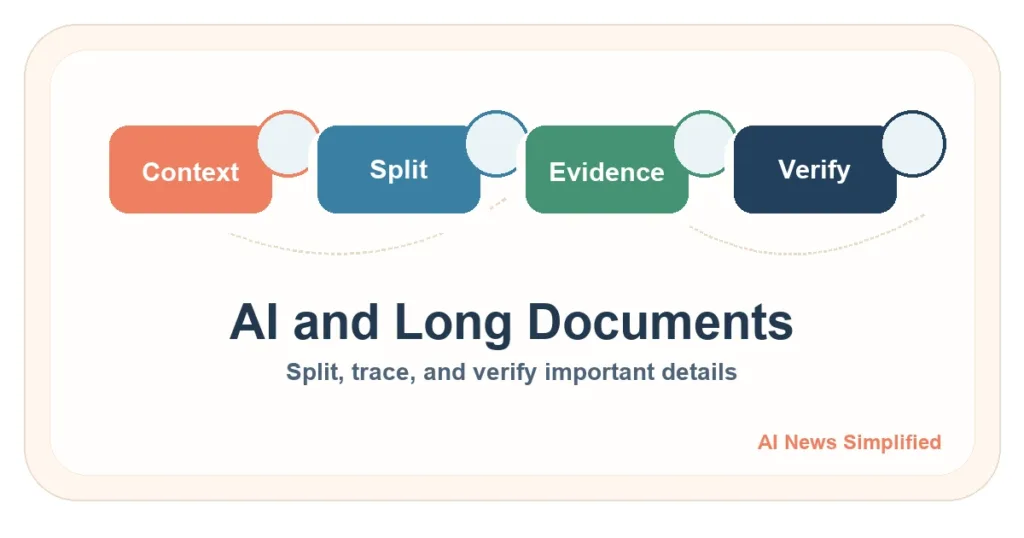
Quick answer: AI can help with a long report or PDF, but a large context window does not prove that the system used every important detail correctly. For high-value work, split the document by meaningful sections, keep page or section references, collect evidence before summarizing, and check the final answer against the original.
Checked July 17, 2026. This guide explains a durable workflow. Provider limits and product behavior change, so verify current documentation before relying on a specific tool or number.
Key takeaways
- A model can accept a long input and still miss, underuse, or confuse details inside it.
- Ask a precise question before uploading anything; vague requests create vague evidence.
- Split by headings, topics, or page ranges—not a magic universal chunk size.
- Keep a traceable note for each important claim: evidence, page or section, and uncertainty.
- Numbers, names, exceptions, and conclusions should be checked in the original document.
Why long documents are difficult for AI
A large language model works with a limited amount of input and output called its context window. A larger window can hold more text, but capacity and reliable use are different questions. The Lost in the Middle study found that changing where relevant evidence appeared could change performance, with information in the middle often used less reliably than information near the beginning or end.
Long files also contain tables, footnotes, repeated terms, cross-references, scanned pages, and exceptions that only make sense together. Finding one sentence is easier than comparing several sections and explaining what they mean as a whole. A clean text-heavy report and a badly scanned contract are not the same task.
A five-step split-and-verify workflow
1. Define the question and the risk
Write down the exact question first. “Summarize this” is weak. “List every cancellation exception, the page where it appears, and any conflict between sections” is traceable. Decide whether the file contains customer data, employee records, legal terms, health information, trade secrets, or other material that should not enter an unapproved tool.
2. Map and split the document
Use the table of contents, headings, appendices, or natural topic breaks. Preserve the document name, version, page range, and section title in every piece. A little overlap can help when one idea crosses a boundary, but more duplication is not always better. There is no chunk size that works for every report.
3. Build an evidence table
| Claim or question | Evidence | Location | Uncertainty |
|---|---|---|---|
| What is the main rule? | Short quote or faithful note | Section and page | Clear or needs review |
| Are there exceptions? | Each exception separately | Section and page | Conflict or missing detail |
| What changed? | Old and new language | Version and date | Confirm source version |
Ask for exact page or section references, but treat generated citations as leads until you confirm them. If the tool cannot point back to the document, copy the supporting passage into your evidence notes yourself.
4. Synthesize from verified notes
Create the final summary only after the evidence table is checked. Tell the AI to distinguish direct evidence, interpretation, and unanswered questions. This makes it easier to see when a polished paragraph goes beyond the source.
5. Check the original from beginning to end
- Verify every name, number, date, threshold, and exception.
- Sample evidence from the beginning, middle, and end.
- Recheck tables, footnotes, appendices, and definitions.
- Confirm that the file version and page references are correct.
- Have a qualified person review consequential legal, financial, medical, safety, or policy conclusions.
Full upload, manual split, or RAG?
- Full upload: useful for lower-risk exploration when the file is within the current product limit and the answer will still be checked.
- Manual split: useful for a small number of important files when page-level traceability matters.
- Retrieval-augmented generation (RAG): useful when a maintained system repeatedly searches an approved document collection. Retrieval quality, access controls, and verification still matter.
Limitations
Research benchmarks do not predict one specific model, prompt, file, scan, table, or language. Splitting can improve traceability, but it can also break context at the boundaries. RAG can retrieve the wrong passage. A confident answer may still be incomplete. This workflow reduces avoidable mistakes; it does not guarantee completeness.
Related guides
Learn the underlying concepts in What Is an LLM?, What Is RAG?, the AI Glossary, and AI Tools, Explained Practically. For a broader model path, visit AI Models & LLMs.